
Networks
Networks lists networks from every visible WSLc session, with the owning session in the Session column (this app's session carries a This app badge) and a session filter at the top right. Each session has its own built-in bridge, host and none networks. New network asks which session to create it in (defaults to the filtered session, otherwise this app's). Remove a single network from its row; it acts on the owning session. Prune unused clears networks nothing is attached to in the filtered session, or in this app's session when the filter shows all sessions.
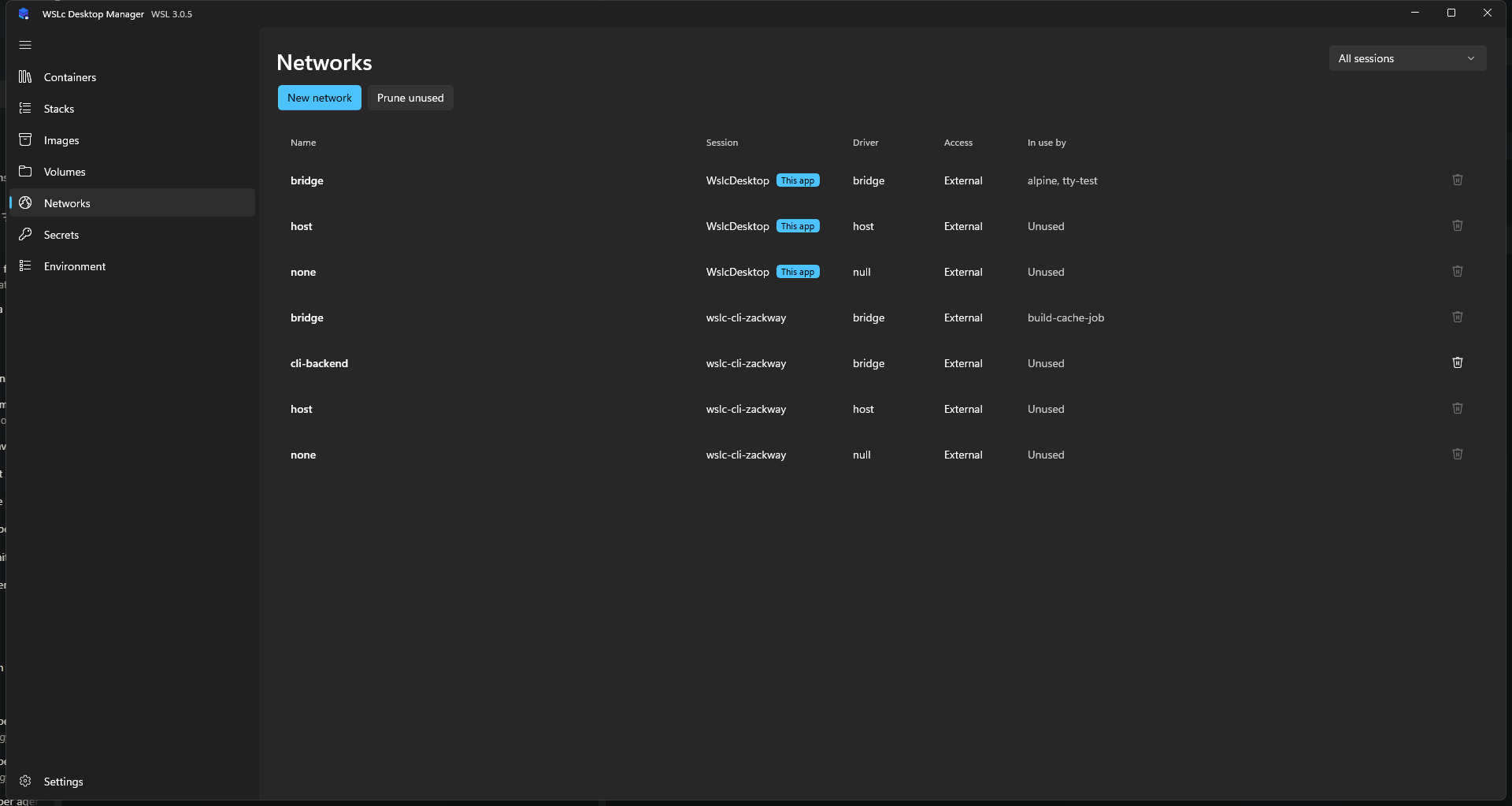
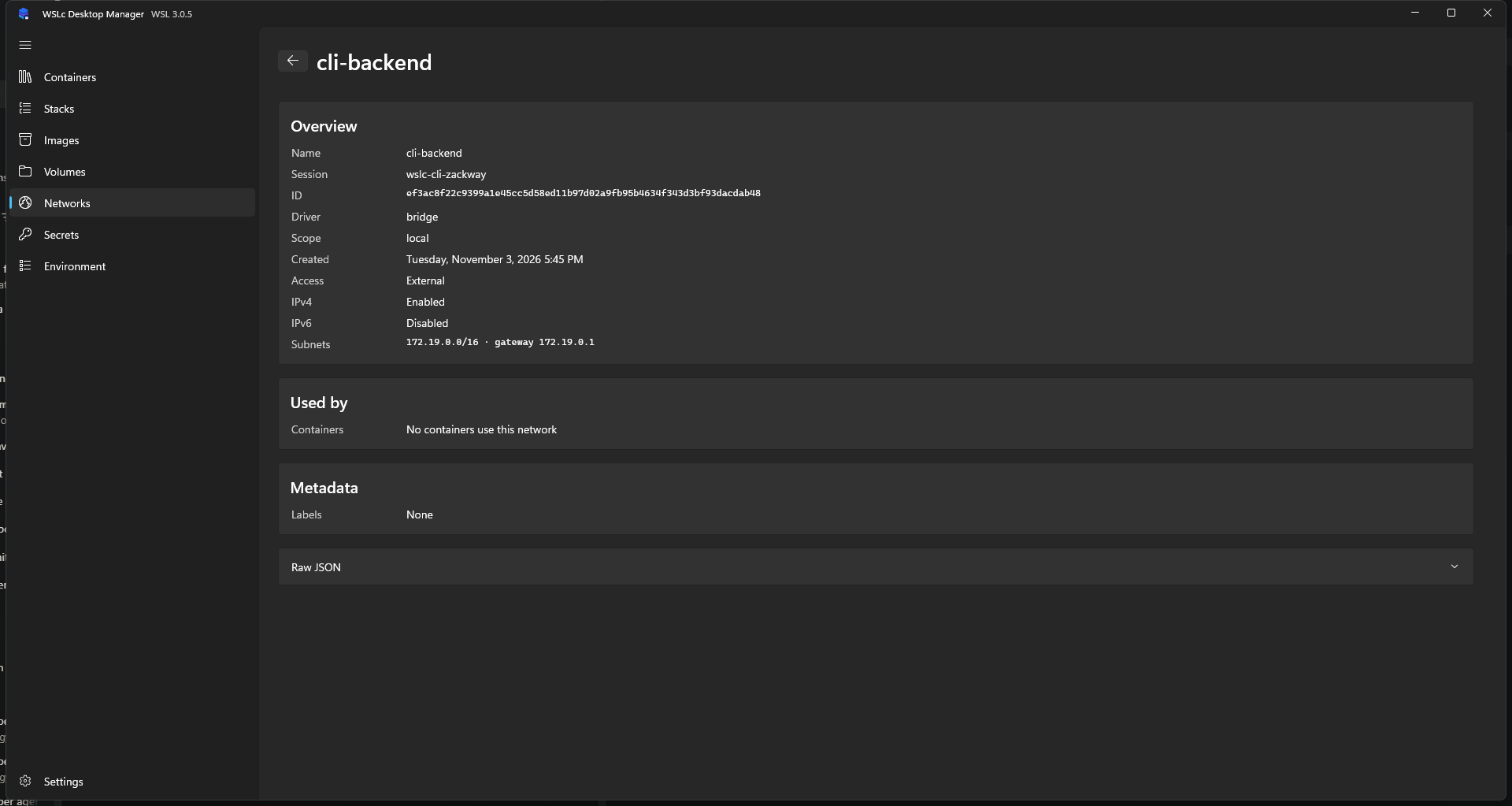
Select a network to see its configuration and the containers attached to it.
You can also attach or detach a container from the Inspect tab of a container.