
Volumes
Volumes lists named volumes from every visible WSLc session, with the owning session in the Session column (this app's session carries a This app badge) and a session filter at the top right. Volumes are per session, so the same name can exist in two sessions. Use the row's remove button for a single volume; it acts on the owning session. Prune unused removes volumes no container uses in the filtered session, or in this app's session when the filter shows all sessions.
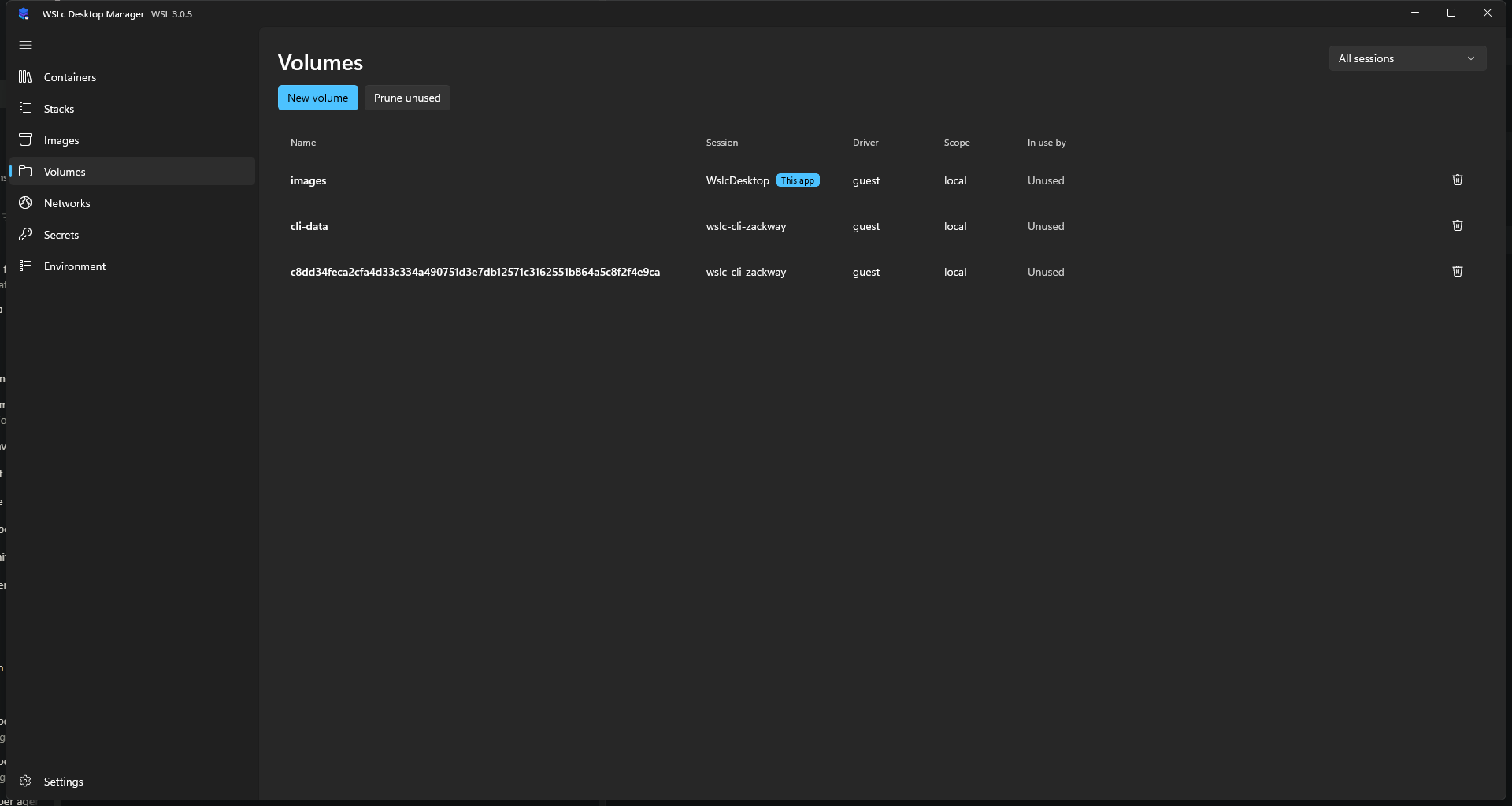
Creating a volume
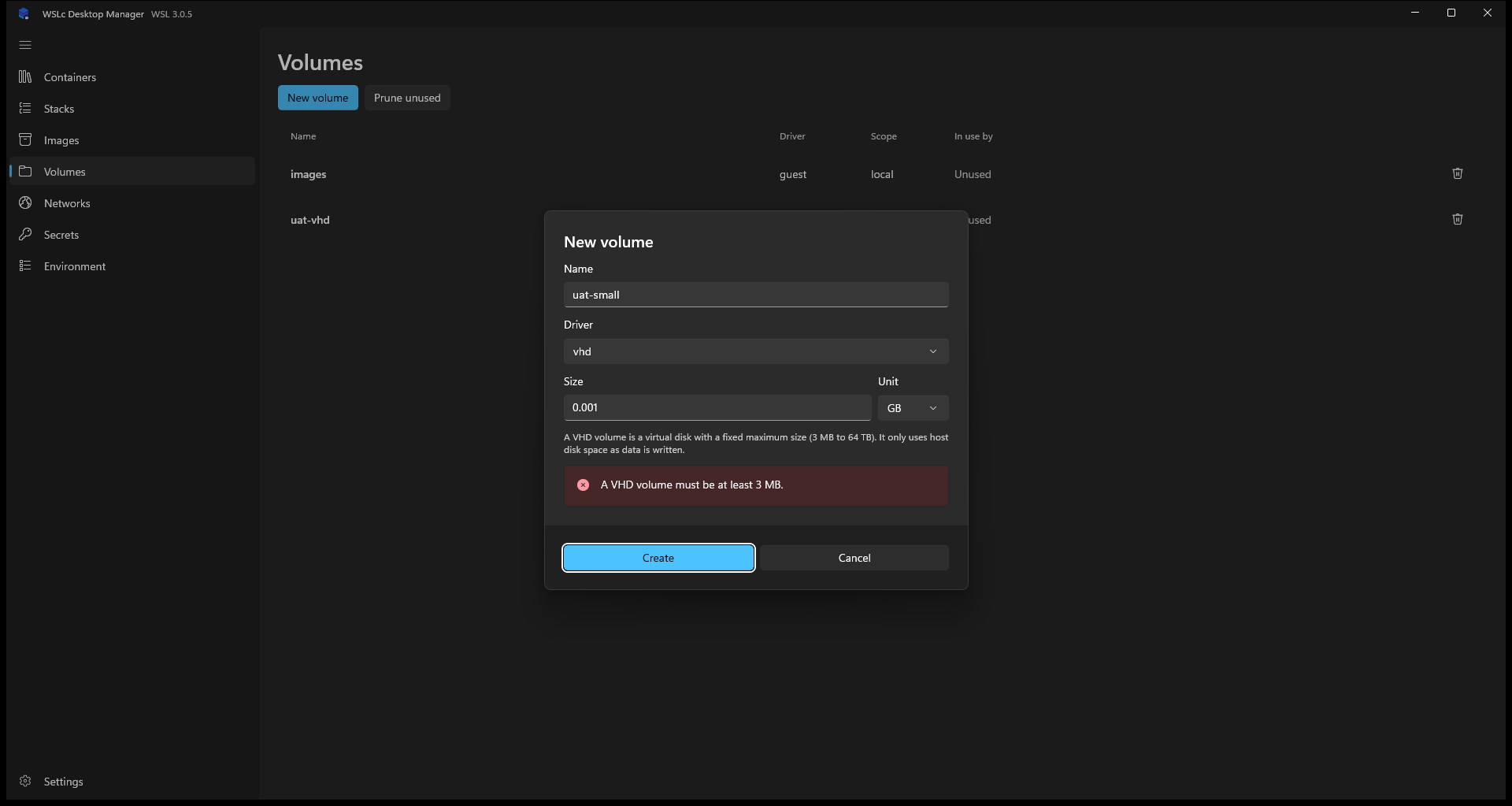
New volume asks for a session (defaults to the filtered session, otherwise this app's), a name and a driver:
- guest (default) stores the volume inside the WSLc VM; no size is needed.
- vhd stores the volume in a virtual disk and needs a size. A Size field with a unit (MB, GB or TB, default 10 GB) appears only for this driver. The size must be between 3 MB and 64 TB; anything else shows a message in the dialog instead of an error from WSLc.
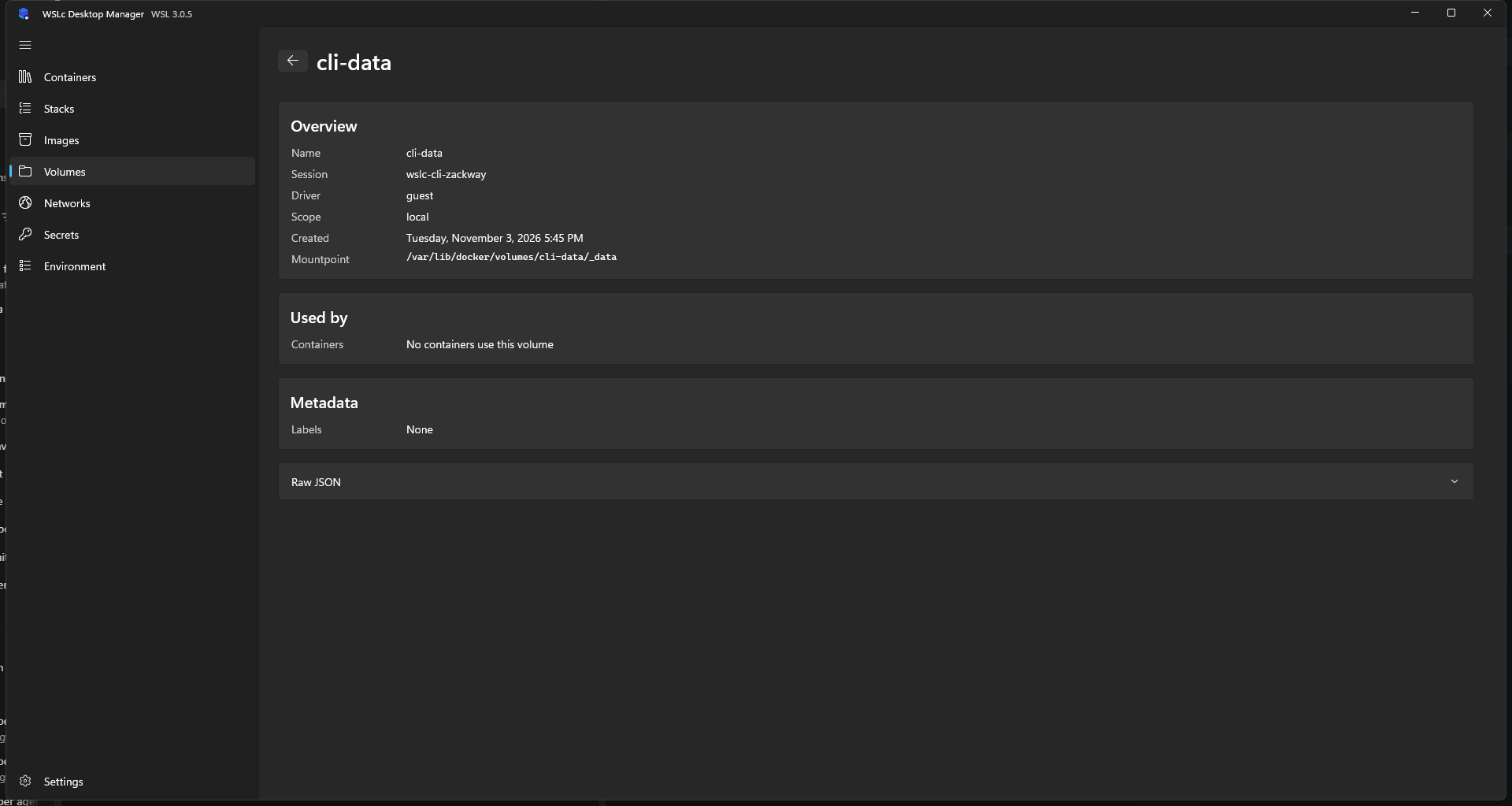
Select a volume for its overview (driver, scope, creation time, mount point), the containers that use it and its labels. A Raw JSON expander shows the complete record.
Volumes created by a compose stack are labelled with the project name and named <project>_<volume>.