
Stacks (Compose)
Stacks bring up a compose file as a group of WSLc containers, networks and volumes. WSLc has no compose engine, so the app translates the file into wslc commands itself.
Bring a stack up
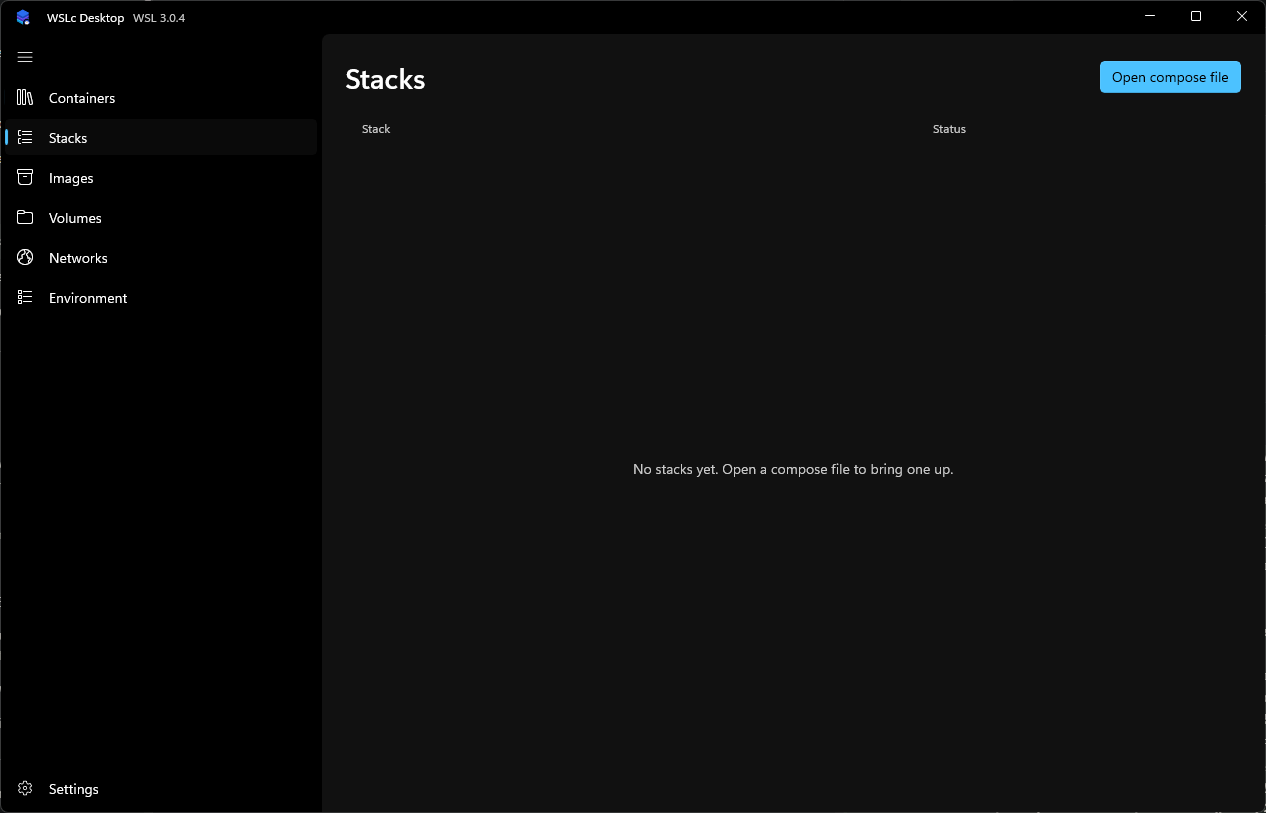
Open Stacks and choose Open compose file.
Pick a
compose.yaml(the walkthrough uses the sample file).Review the preview. It shows the project name (editable), the ordered actions the app will run and a warning for every key WSLc can't honour.
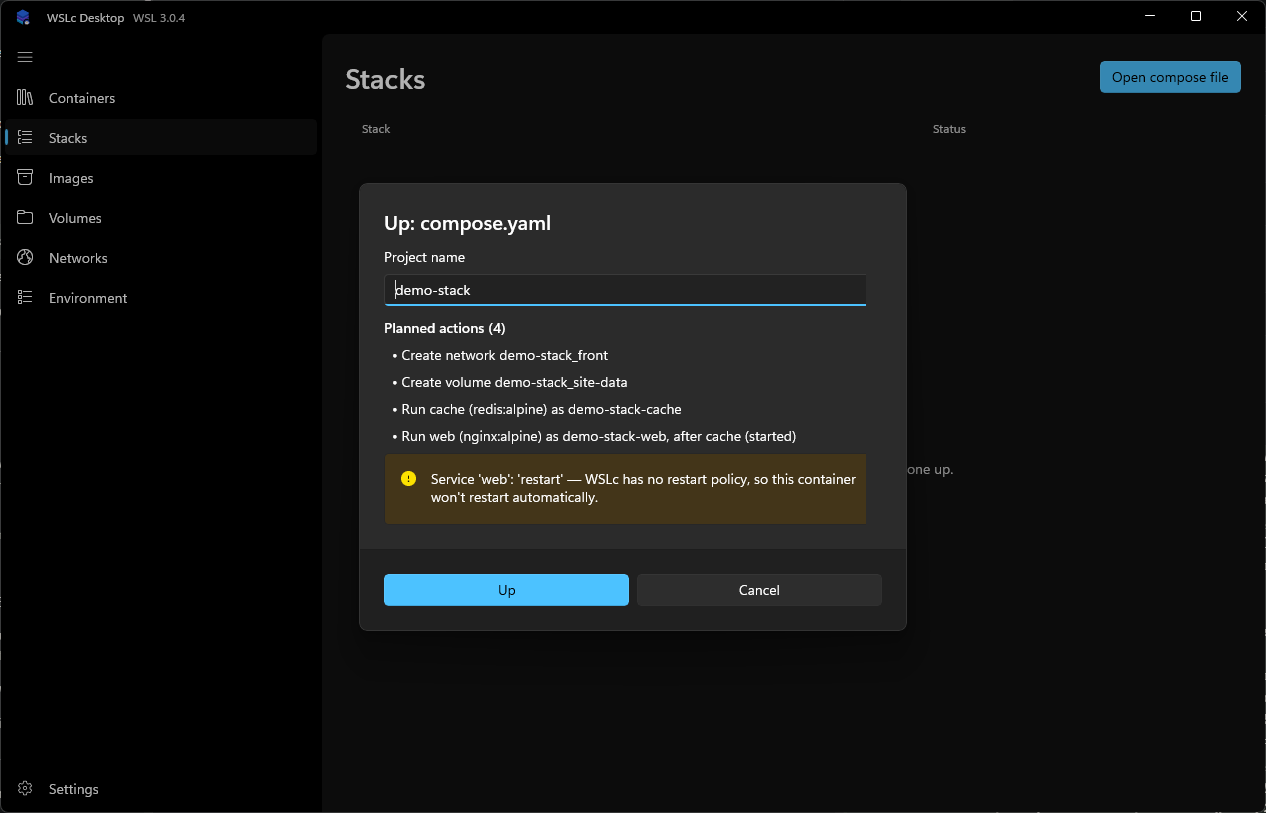
If the file references secrets, a Secrets needed section lets you create the missing ones right here; see Secrets.
Choose Up. The app creates networks and volumes, builds images where needed and starts services in dependency order.
Manage a stack
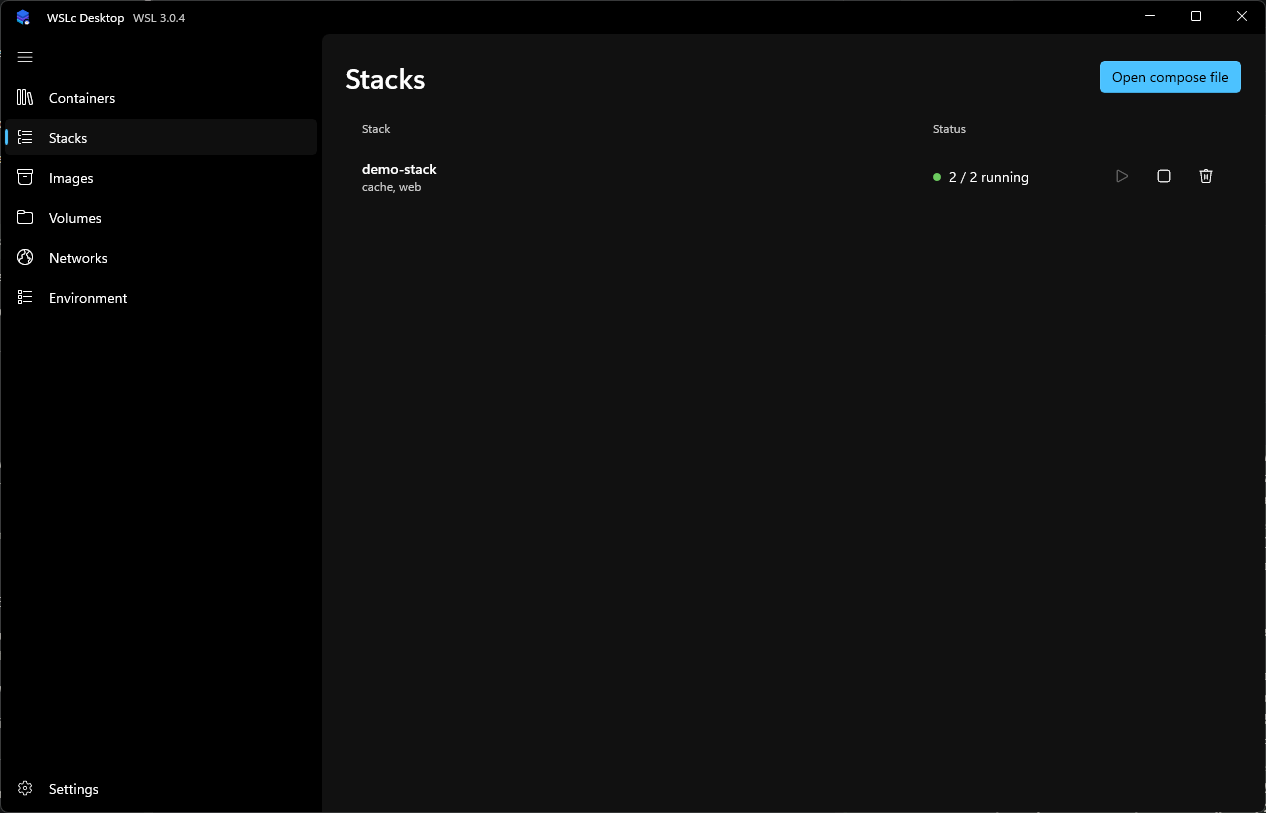
Each row shows the services and a status such as 2 / 2 running, with start, stop and delete actions that apply to the whole stack. Select a stack to see its services and a combined, prefixed log stream.
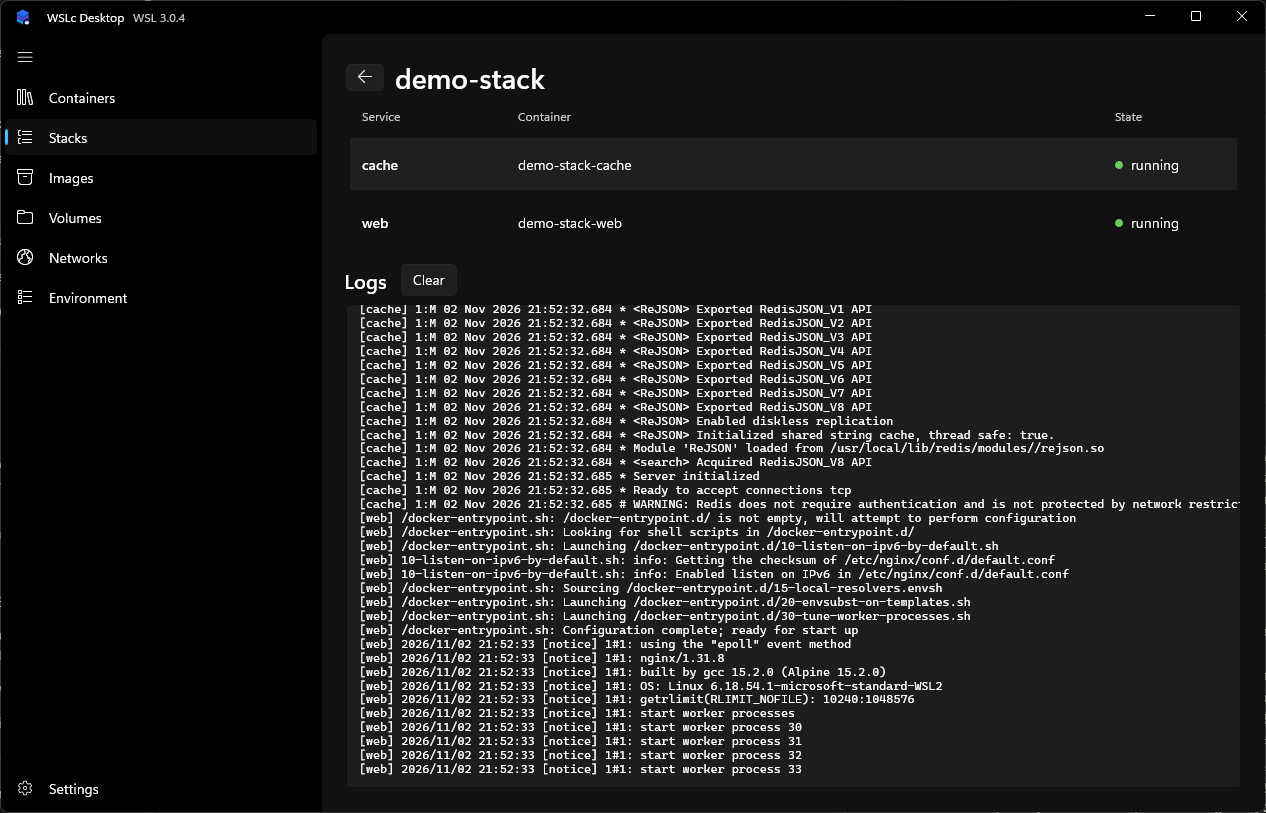
Stack containers are labelled with their project and service, so they also appear on the Containers page.