
New container
Choose New container on the Containers page to open the dialog.
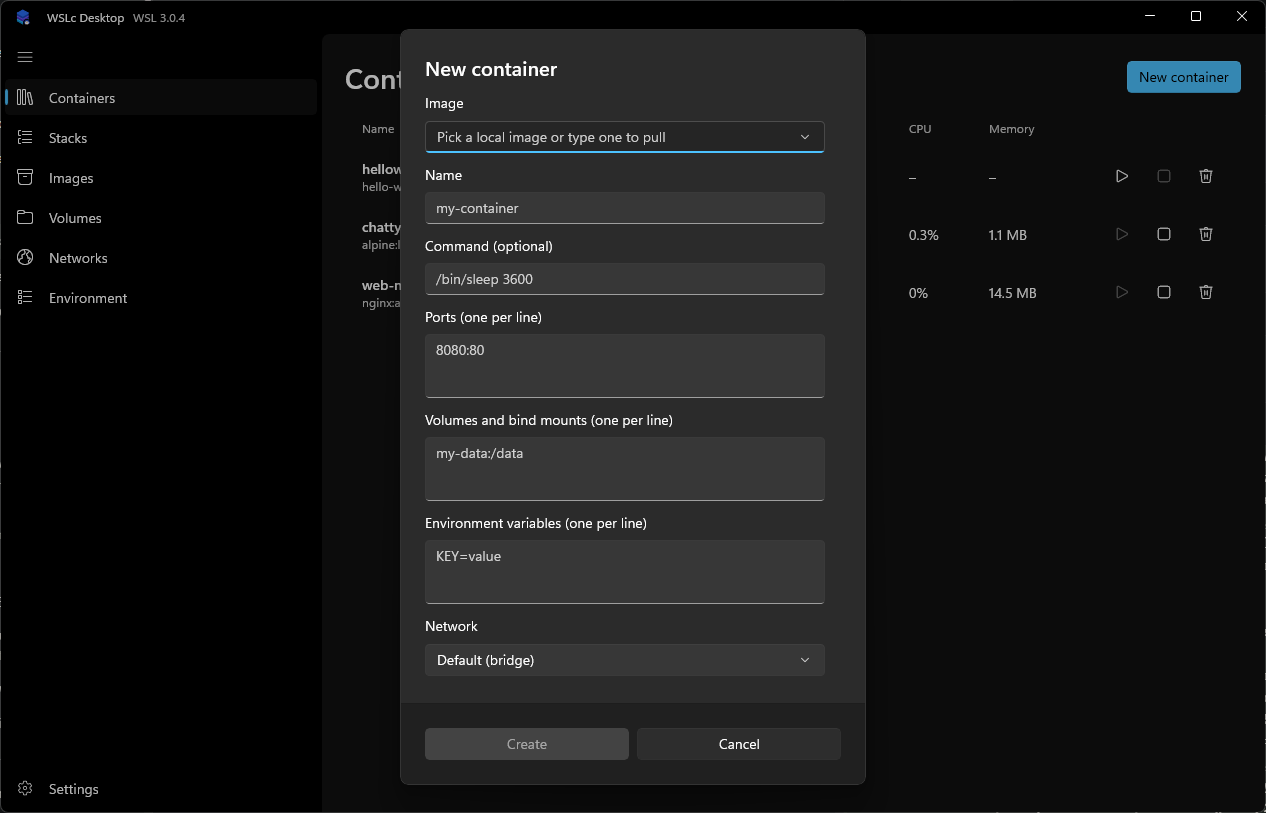
| Field | Notes |
|---|---|
| Image | Pick a local image or type a reference to pull it. |
| Name | Container name. |
| Command (optional) | Overrides the image's default command, e.g. /bin/sleep 3600. |
| Ports | One mapping per line, e.g. 8080:80. |
| Volumes and bind mounts | One per line, e.g. my-data:/data. |
| Environment variables | One KEY=value per line. |
| Network | Defaults to the bridge network; choose another existing network if needed. |
| Restart policy | Never, Always, On failure (with optional max restarts) or Unless stopped. Applied by the app, so it only works while WSLc Desktop Manager is running. See restart policies. |
Create stays disabled until the required fields are filled in.